Agentastic.dev product icon

The Multi-Agent IDE for Your AI Software Factory

Any agent. Any cloud. Full development lifecycle.

Download

or brew install agentasticai/tap/dev

Supports+50 more
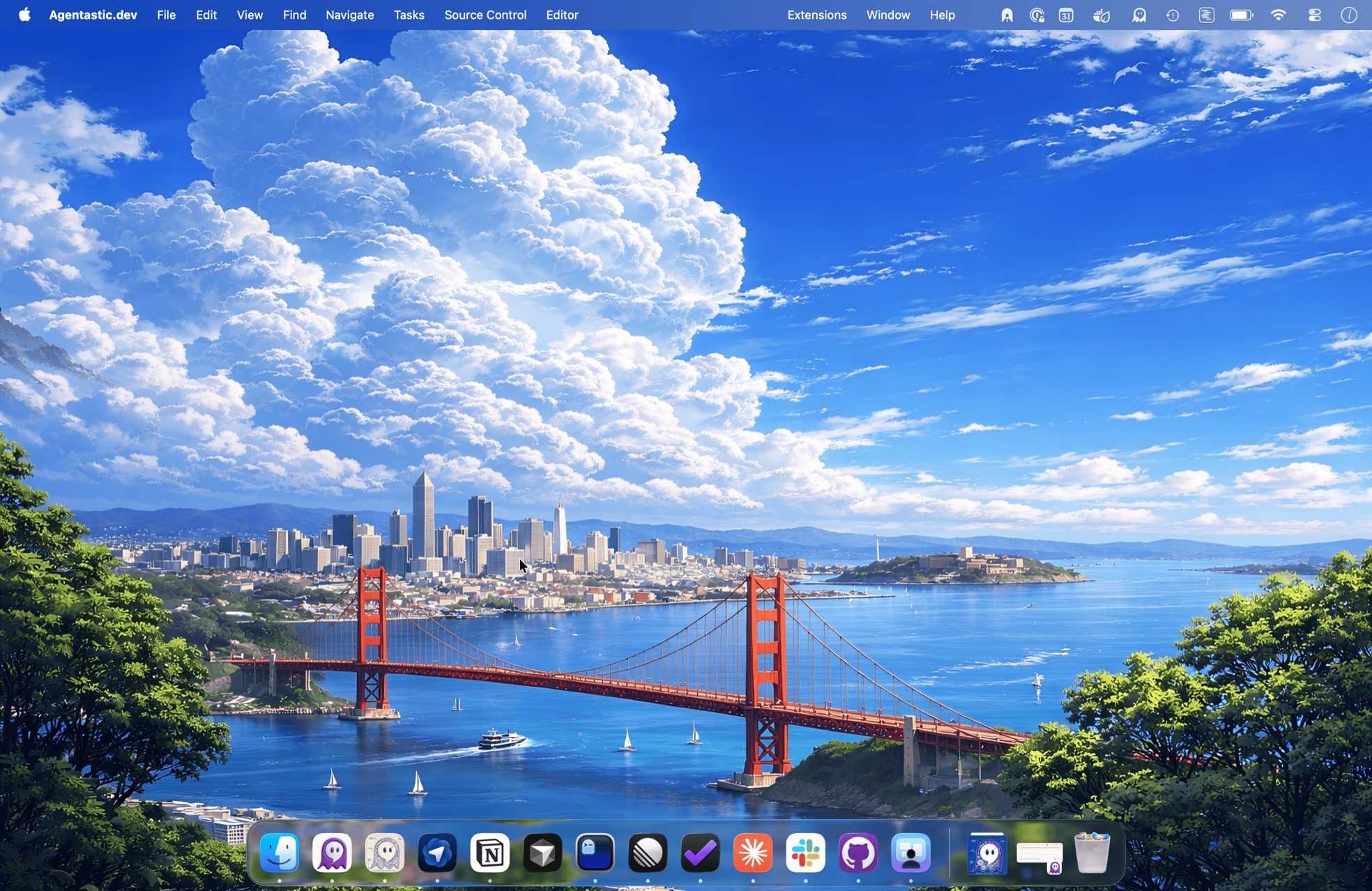
MacBook Pro running Agentastic.dev multi-agent IDE for macOS
Agentastic.dev desktop view with multiple AI coding agents running in parallel worktrees

One window. Every agent.

Code, terminals, git, a browser, and 55 AI-agent integrations — together in a single native macOS workspace.

Agents
C
Claude Code
feat/auth-flow
Working
Done
C
Codex
fix/n+1-query
Working
G
Gemini
ui/kanban-dnd
Needs input
C
Cursor joined · docs/readme

Use any agent.

Agentastic.dev is agent-agnostic and ships 55 built-in agent definitions. Run any coding agent in a real terminal, or as a structured chat — 30 of them speak it natively or over ACP.

[ Parallel Agents ]
mainfeat/auth-flow⑃ worktree · claudefix/n+1-query◆ apple container · codexui/kanban-dnd◇ docker · geminiapi/webhooks⑃ worktree · grok

Every change, fully isolated.

Each agent works in its own git worktree or container — both Apple containers and Docker are supported. Zero merge conflicts, zero cross-contamination.

[ Isolation ]
AuthService.swift
✓ Reviewed
11 func refresh(_ token: Token?) {
12- let value = token!.raw
12+ guard let token else { return nil }
13+ let value = token.raw
14 return validate(value)
🐰
CodeRabbit — the force-unwrap would crash on an expired session. The guard handles it cleanly.

Review every diff before it ships.

A native diff viewer — unified or a continuous side-by-side comparison across every changed file — plus agentic review from Claude, Codex, and CodeRabbit. Catch issues before you merge.

[ Code Review ]
dev-server
acme-app · feat/auth-flow
claude-code
1+
2+
3−
4+
5+
6−
7+
SSH

Run anywhere. Even while you sleep.

Run agents on any dev server over SSH, or on Modal, Fly, and Vercel — persistent sessions that keep running even after your Mac sleeps.

[ Remote & Cloud ]
localhost:3000
Design Mode
Ship faster
Get started
<CtaButton /> · 224×48
<CtaButton />
claude-code
element.html
styles.css
crop.png
Describe a change…

Agents test your app in a real browser.

A built-in browser agents can drive — full browser-use, React Grab, and one-click share, right beside your code. Design Mode: click any UI element in a real Chromium window to send its HTML, CSS, and a cropped screenshot straight into your agent's prompt.

[ Browser ]
Agentastic.dev — website-update-2
▸CodeEdit
▸Packages
▾src
main.rs
terminal.rs
watcher.rs
Cargo.toml
main.rs
zsh
53fn timestamp_utc() -> String {
54 let now = SystemTime::now()
55 .duration_since(UNIX_EPOCH).unwrap_or_default();
56 format!("{:04}-{:02}", year, month)
57}
main.rs — RustLn 55, Col 26
100 fps

Sometimes you just want to code.

A fast native editor, built in — tree-sitter syntax highlighting at a buttery 100 fps. Make the fix yourself without leaving Agentastic.

[ Built-in IDE ]
Plugins & MCP

Works with your tools and plugins

Attach plugins to a run to pipe your team's tools into any agent: Slack, Notion, Sentry, GitHub, Linear, and more. They follow the agent to SSH hosts, cloud VMs, and containers, and skills from Skillopedia install once and translate to whichever agent you launch.

Agentastic.dev automates the full development lifecycle.

From idea → code → review.

  1. Idea01

    Write down your idea

    Start with a prompt or spec that describes what you want to build, change, or fix—or pull it from your issue tracker.

    Prompt, spec, or issue
  2. Parallel agents02

    Run agents side by side

    Launch Prime Agent, Claude Code, Codex, Poolside, Gemini, or any other built-in coding agent. Agentastic isolates each one in its own worktree, container, or cloud VM.

    Worktrees, containers, and cloud VMs
  3. Review03

    Inspect, merge, ship

    Run code review. Review the diff. Everything looks good? Merge and ship—all without leaving Dev.

    Code review, diff, and merge
See how the AI software factory works

FAQ

Is Agentastic.Dev Free?

Free without limits. No sign-up required. No strings attached. We don't charge for the agents. For Agents, you'll need agent subscriptions (Claude Code/Codex/Gemini/Junie/etc) or API access. You pay vendors (Anthropic/OpenAI/Google/JetBrains/etc) directly.

What kind of data do you collect?

Agentastic.Dev does not collect your source code, file contents, prompts, account details, email, name, or other personally identifiable information for training or analytics. We may send anonymous diagnostic data to Sentry to debug crashes and app hangs, such as an anonymous installation ID, app version, macOS/device context, stack traces, crash or hang details, and network failure metadata.

Does anything go through Agentastic's servers?

Only if you choose one of our services. The iPhone app, the Agentastic coding agent, and conversation sharing all work straight from your Mac: the phone connects over your own network or Tailscale, the agent runs on your own provider subscriptions or API keys, and Share (via Tunnel) serves the page from your Mac through a temporary Cloudflare tunnel. Each also has an optional agentastic.com service (Reach this Mac from anywhere, Agentastic's hosted models, and sharing via Agentastic), and with those, session traffic may pass through our servers. The relay and sharing via Agentastic need an Agentastic account, so not signing in (Settings → Accounts) keeps them off. iPhone notifications, if you allow them, go through our push service, end-to-end encrypted so we can't read them.

How does the parallel agent system work?

Each agent runs in its own isolated branch in Git worktree or docker container; they can work simultaneously without conflicts. You can monitor all agents in real-time and switch between them instantly.

Does Agentastic.dev use worktrees?

Yes, each Agentastic workspace is a new git worktree. This allows each coding agent to work in complete isolation without conflicts.

Which coding agents does Agentastic support?

We ship 55 built-in agent definitions, including Prime Agent, Claude Code, Codex, Poolside, MiMo, Qoder, OpenClaude, Ante, Oh My Pi, OpenClaw, Gemini, Hermes Agent, Cursor, Copilot, OpenCode, CodeRabbit, Greptile, and more. Any terminal-based agent can also be added as a custom connection. Want to see something else? Email us at hi@agentastic.ai.

Which tools and plugins does Agentastic work with?

Dev works with your team's tools. Slack, Notion, Sentry, GitHub, and Linear are first-class plugins; Jira, GitLab, Bitbucket, Forgejo, Asana, Monday, Trello, Plane, Plain, and Featurebase are supported too. Skills from Skillopedia install once and are delivered to whichever agent you launch. Attach any of them from Settings → Plugins or the + menu in Agent Home.

What are the system requirements?

Agentastic.dev requires macOS 14.0 (Sonoma) or later and runs on both Apple Silicon and Intel processors.

Can I contribute to Agentastic Dev?

Right now Dev is still in closed development. But our goal is to build an open, community-driven ecosystem, and extensibility is on the roadmap. If you'd like to shape what that looks like, ping us on Twitter or join our Discord!

How do I setup my .env/DB/API files?

Dev supports hooks, including .agentastic/setup.sh, which executes upon worktree creation. You can setup your environment variables or copy them using this hook. See the documentation for more examples.

We’d love to hear from you