How tmux -CC Works (and How Agentastic Renders It)
tmux has a quiet feature called control mode. You opt into it by passing -CC on the command line, and from that moment on tmux stops drawing the screen. It speaks a protocol instead — a line-based stream of notifications on stdout, accepting commands on stdin. Anything that wants to host tmux as a managed subprocess can read that protocol and draw the panes itself.
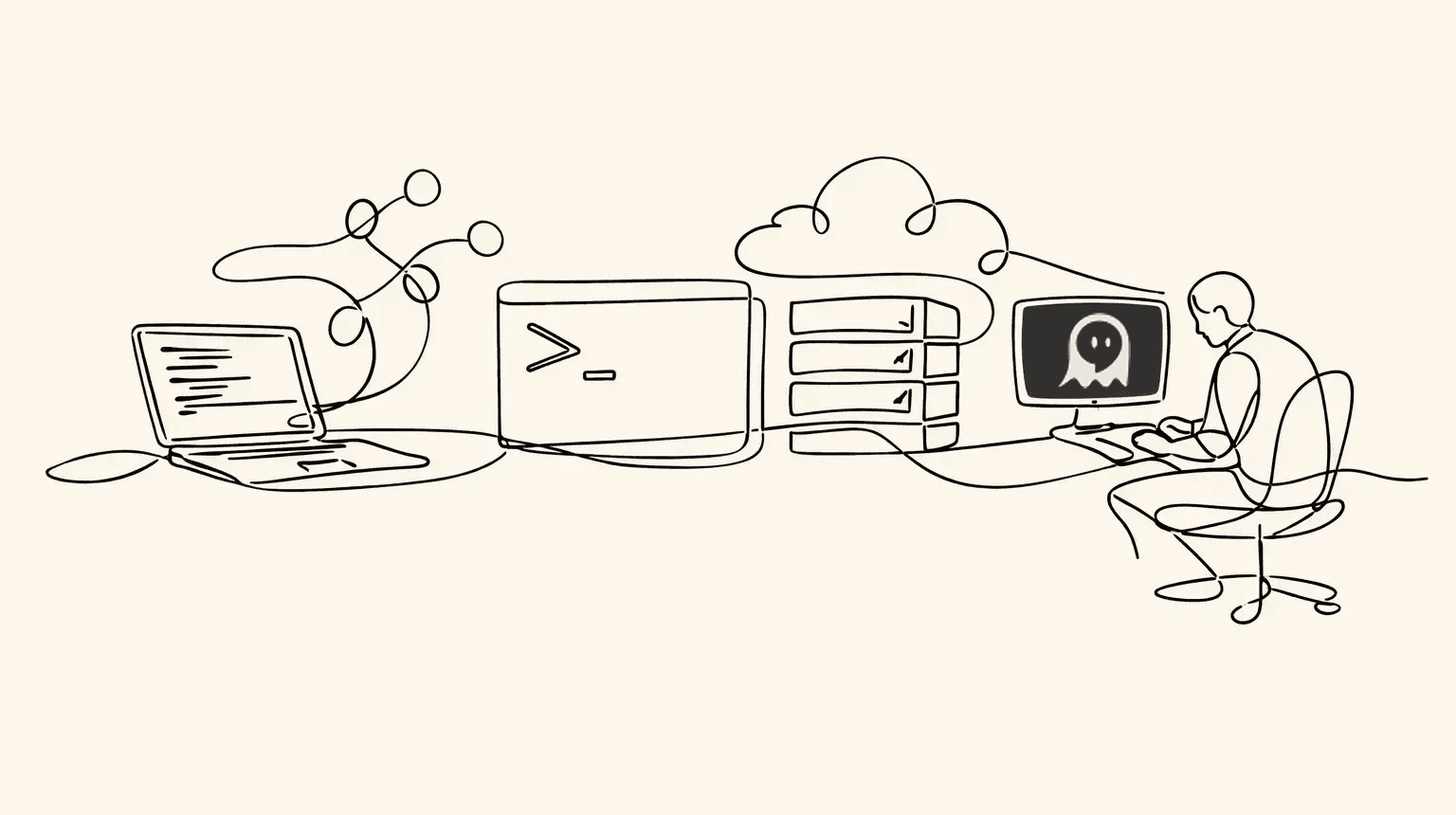
This is how iTerm2's tmux integration works. It's also how Agentastic.dev integrates tmux.
The protocol
When you launch tmux -CC, tmux opens with a DCS (Device Control String) envelope. The opening sequence is ESC P 1000 p and the closing sequence is ESC \. Everything in between is the control stream. Inside that envelope, tmux emits lines that fall into a few categories.
Notifications start with %. The common ones are %output (bytes a pane has written), %layout-change (a window's split tree changed), %window-pane-changed (focus moved), %window-add and %window-close (lifecycle), %session-changed, and %exit. Each notification carries a small, well-defined argument list.
Command responses come back as %begin … %end-bracketed blocks. You write a tmux command on stdin (new-window, split-window -h, kill-pane -t %3), and tmux replies with the result lines wrapped in a %begin <timestamp> <number> 1 / %end <timestamp> <number> 1 pair.
Pane output is the bytes a pane has written, wrapped in %output %<paneID> <bytes>. The bytes are raw — they can contain anything a terminal program emits, including partial ANSI sequences. A control-mode client has to feed them into a real terminal renderer for anything useful to appear.
The model is small but expressive. Once you can parse the envelope, drain the notification stream, and round-trip a command/response, you have enough to build a multiplexer UI on top.
How Agentastic renders it
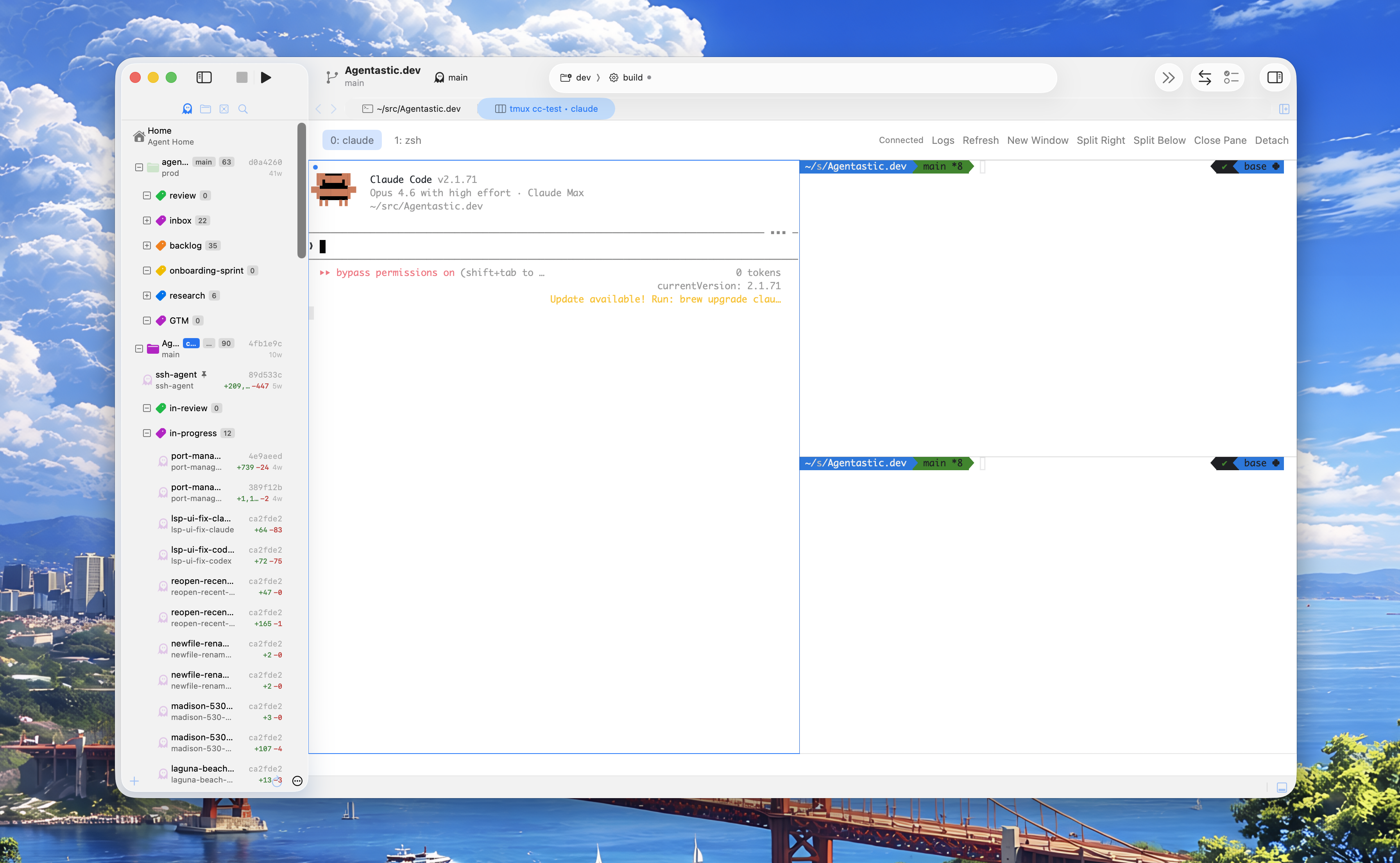
Agentastic.dev acts as a native control-mode client. When a tmux -CC session is running, Agentastic reads the protocol stream end to end:
- The DCS envelope is unwrapped so the rest of the pipeline sees a clean line-based stream of notifications.
- Pane output is fed byte-for-byte into a real terminal renderer, ANSI sequences and all. Each pane gets its own scrollback, mouse selection, copy/paste, and link detection.
- Layout strings are translated into a native split view. When tmux sends a
%layout-changenotification, Agentastic re-projects the window's layout tree onto a native split. Horizontal and vertical splits, size ratios, and pane focus all show up the same way they do for non-tmux terminals in the app. - Lifecycle notifications drive the UI. New windows appear as tabs, closed panes disappear, focus changes move the cursor highlight, and
%exitcleanly tears the session down.
Input flows the other direction. Keystrokes you type into a tmux pane in Agentastic are encoded and shipped back to tmux as send-keys commands, so what you type is what the underlying program receives — including arbitrary bytes that would otherwise be a nightmare to escape.
The thin shim
There's one small concession to ergonomics. Agentastic ships a tiny tmux shim on the terminal's PATH. Its only job is to spot -CC (and -CC attach) invocations and route them to the native session instead of letting tmux draw to the pty. Plain tmux calls — anything without -CC — pass straight through to the real binary, untouched.
Three things fall out of this:
- Detach is non-destructive. Agentastic is a control-mode client, not tmux itself. Close the window or quit the app and the session keeps running.
- Sessions are portable. A session you started in a plain terminal is the same session Agentastic can attach to with
-CClater. There's no Agentastic-specific tmux state. - The CLI still works. You can use real tmux from the command line whenever you want, including from inside an Agentastic pane that's already hosting a native tmux session.
Trying it
Open a terminal in Agentastic and run:
tmux -CC new -s work
The terminal switches to a native split with one pane. Use the standard tmux prefix keys (Ctrl-b " to split horizontally, Ctrl-b % to split vertically, Ctrl-b c for a new window) and watch the layout update in place. Detach with Ctrl-b d and the session lives on; attach again later from anywhere with:
tmux attach -t work -CC
That's the whole feature. tmux does what tmux does. We just render it natively.